 Give us Feedback

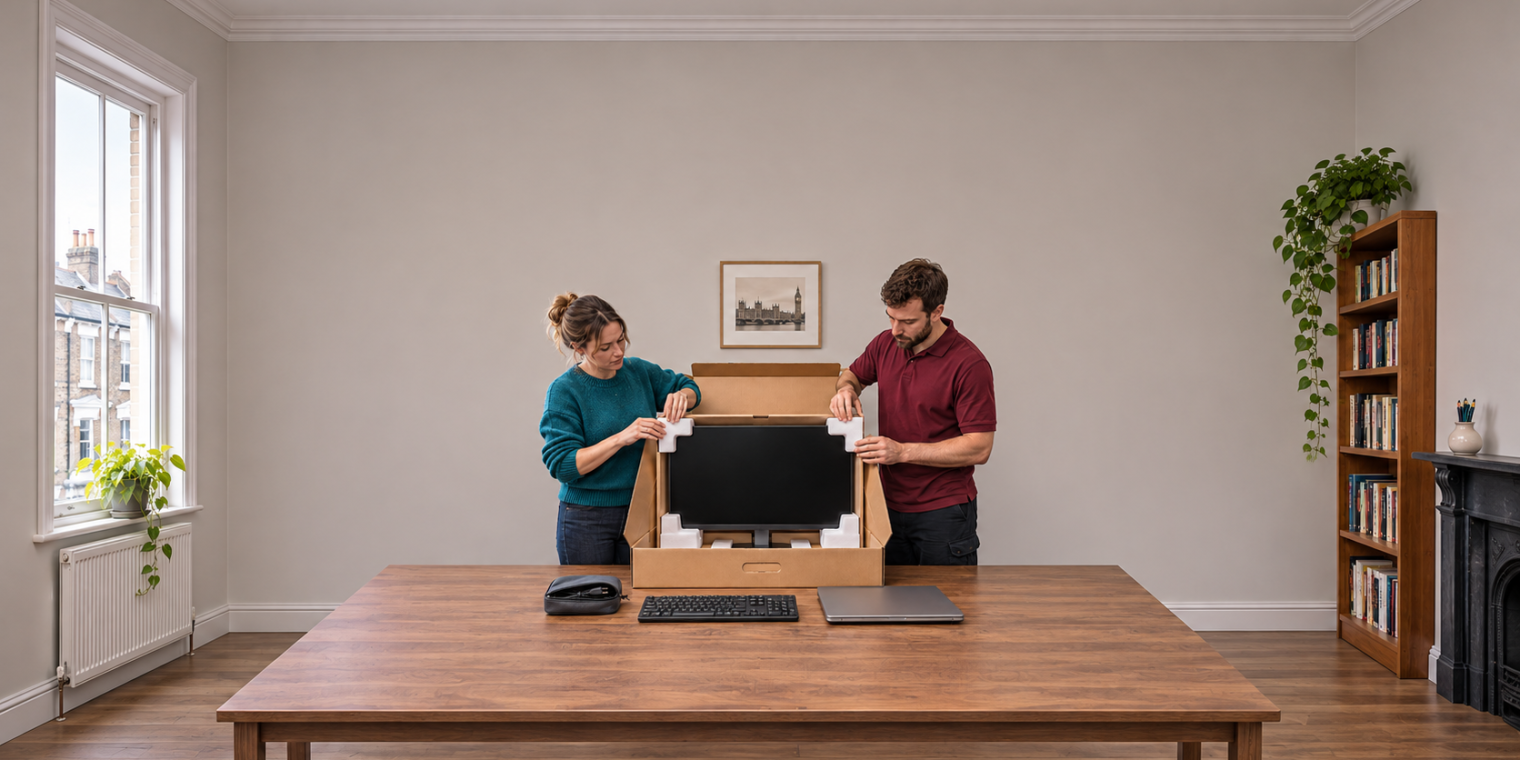
House removals can become frustrating when the television arrives without its stand screws or the computer charger disappears into an unlabelled box. Before moving house in London, give your screens, computers and accessories a small plan of their own: record what belongs together, check the manufacturer’s packing instructions and agree who will prepare each item.
This guide covers preparation and handover. For the rest of your belongings, use our guide to packing and moving house.
List the equipment before buying packaging
Make a short list of televisions, monitors, desktop computers, printers, games consoles and speakers. Include screen sizes, approximate dimensions and whether each item has its original box. Tell your mover about equipment that is unusually large, heavy or awkward to carry.
Separate items you own from equipment supplied by an employer or broadband provider. Check any return or relocation requirements directly with that organisation. Moving a router does not by itself arrange broadband at the new address, so confirm your connection plans separately.
Photograph the equipment’s visible condition and label your records so you can identify each item later. Avoid leaving passwords or other private information visible in photographs shared with a mover.
Prepare computers before moving house
Back up important files before packing and check that you can access the backup. Keep any essential work files available through a method you already trust. For employer-owned equipment, follow your employer’s instructions rather than changing its configuration yourself.
Shut equipment down properly and follow its manufacturer’s guidance before disconnecting or packing it. Do not attempt internal repairs or remove components simply because you are moving. If a device needs special preparation, find the instructions for its exact model or ask the manufacturer.
Decide which devices travel with you. A laptop needed for work the next morning may be more useful in your own suitable carrying case than in a carton awaiting unloading. Tell the crew which bags are staying with you and keep them separate from the load.
Make a cable kit for each device
Before unplugging, take a clear photograph of the connections. Label cables at both ends with the device and their purpose, using labels that will not obscure important markings. Keep each device’s cables, remote control and accessories together in a labelled pouch or small box.
- Give similar monitors distinct labels, such as “study left” and “study right”.
- Keep removable stand fixings in a sealed, labelled bag with the relevant accessories.
- Record which box contains each cable kit on your inventory.
- Keep a phone charger and any immediately needed laptop charger with your personal essentials.
Do not tape loose screws or plugs directly to a screen. The aim is to keep small parts easy to find without creating hard objects that could press against delicate surfaces.
Choose packaging for the actual screen
Check the manufacturer’s transport instructions for each TV or monitor, including its required orientation and any stand-removal steps. Suitable original packaging with its fitted protective inserts can be useful if it is complete and in good condition. A box alone is not enough if the screen can move around inside it.
If the original packaging is missing, discuss suitable screen packaging before moving day. Give the dimensions and explain what protection you already have. Avoid improvising with an oversized carton and hoping that a blanket will hold everything still.
Keep pressure and loose hard objects away from the display surface. Do not use a screen as a support for other belongings. Leave the crew to agree safe positioning and securing in the vehicle; a “fragile” label is a handling cue, not a replacement for protection.
Agree removal and reconnection responsibilities
A wall-mounted TV needs a separate plan for taking it down. Confirm who will remove it and whether the work is included before the appointment. Do not assume that a transport booking includes wall-mount removal, drilling, electrical work or installation at the new home.
Tell the team about stairs, narrow turns and the carrying distance at both addresses. If you need help preparing items, discuss packing services when requesting your quote and confirm the agreed scope.
At delivery, put equipment in its intended room with the matching accessories. Check packaging and visible condition before discarding materials. Follow the manufacturer’s instructions before reconnecting and switching on, especially after changes in temperature or storage conditions; do not rely on a universal waiting time for every device.
Send a clear brief for your house removals
For house removals in London, send JP Man & Van your equipment list alongside the wider inventory, both postcodes, access details and any packing help required. Mention wall-mounted items and missing packaging early so responsibilities can be agreed.
Contact JP Man & Van or call 07925405549 to discuss your move. A clear equipment list and labelled cable kits make it easier to plan the collection and find what you need at the other end.